v1.0.0 · Pro Training & Voice Mode Now Available

AI Skill Training Assistant for Polymas

Connect Doubao, GPT-4o, Gemini, and more. Auto-detect training tasks, use the new Voice Training and scripted Pro Training modes, and sync configuration and history to the cloud once you log in.

🌐 Can't reach the Chrome Web Store? Download the ZIP manually from Gitee instead
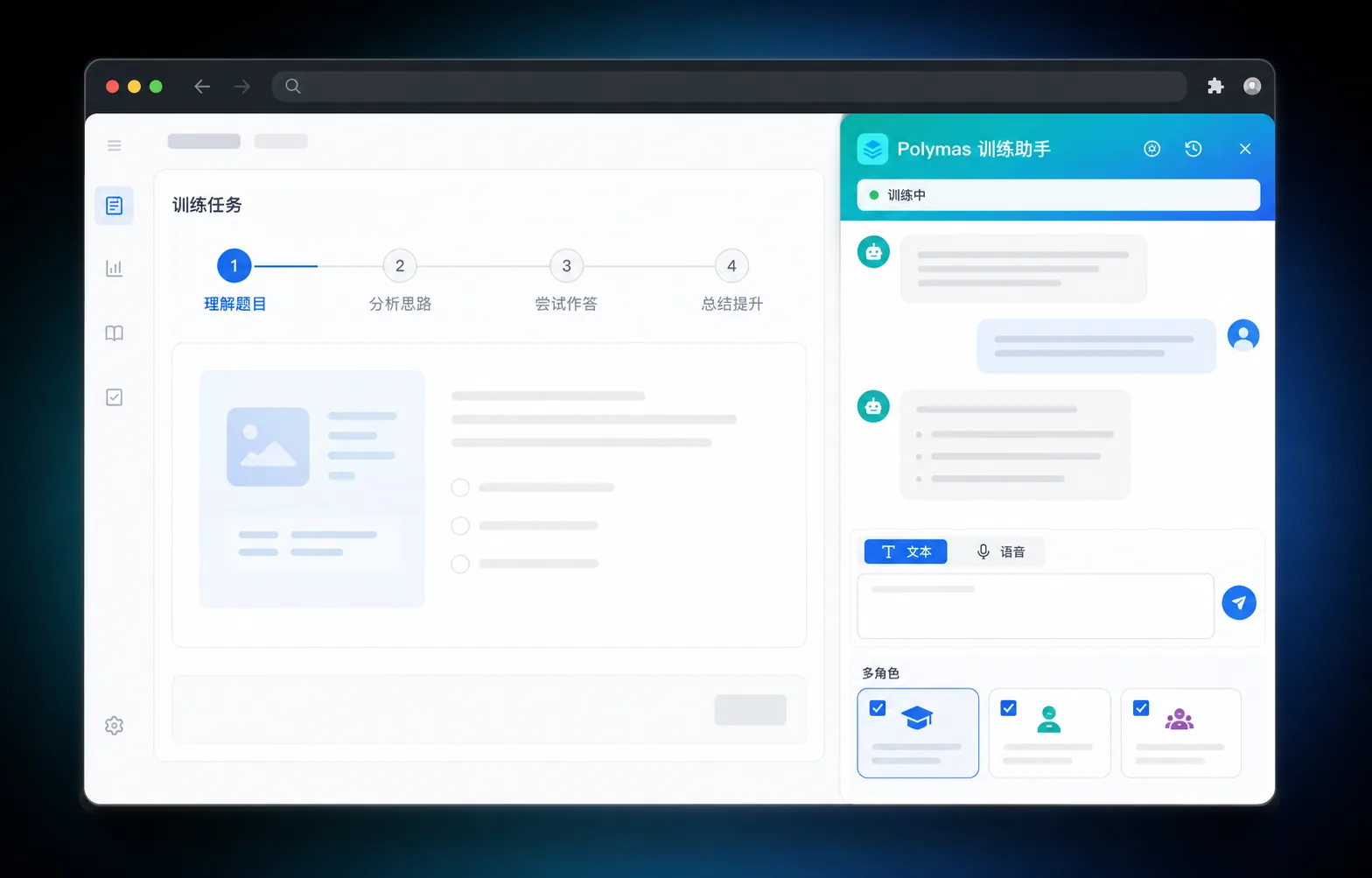
Polymas AI training browser extension product interface in dark mode

Compatible with major browsers · Connects to multiple LLMs

Chrome
Edge
Brave
Firefox
豆包
GPT-4o
Gemini
Claude
通义千问
Polymas Training Assistant logo

Connect Your Favorite LLM

Doubao, GPT-4o, Gemini, Claude, Qwen, ERNIE Bot… switch on demand, all accessed from the sidebar.

Key Advantages

Why trainers choose it

Agent training, right in the browser sidebar.

Auto Task Detection

Open the sidebar to auto-extract the task ID from the training page — no manual configuration needed.

Multi-Role Parallel

Simultaneously simulate good / medium / bad student profiles to cover more training scenarios.

Multi-Model Integration

Connect Doubao, GPT-4o, Gemini, and more — switch models on demand.

Three Training Modes

Supports text dialogue, voice training, and scripted Pro training — closely mirroring real teaching scenarios.

Local-First · Optional Cloud Sync

Credentials and records are stored locally by default; log in to sync configuration and training history automatically across devices.

Stable & Reproducible

Turn-by-turn control over the training flow with stable, reproducible results.

Core Features

One panel, full training coverage

From task detection to turn-by-turn dialogue, the entire training workflow happens in the sidebar.
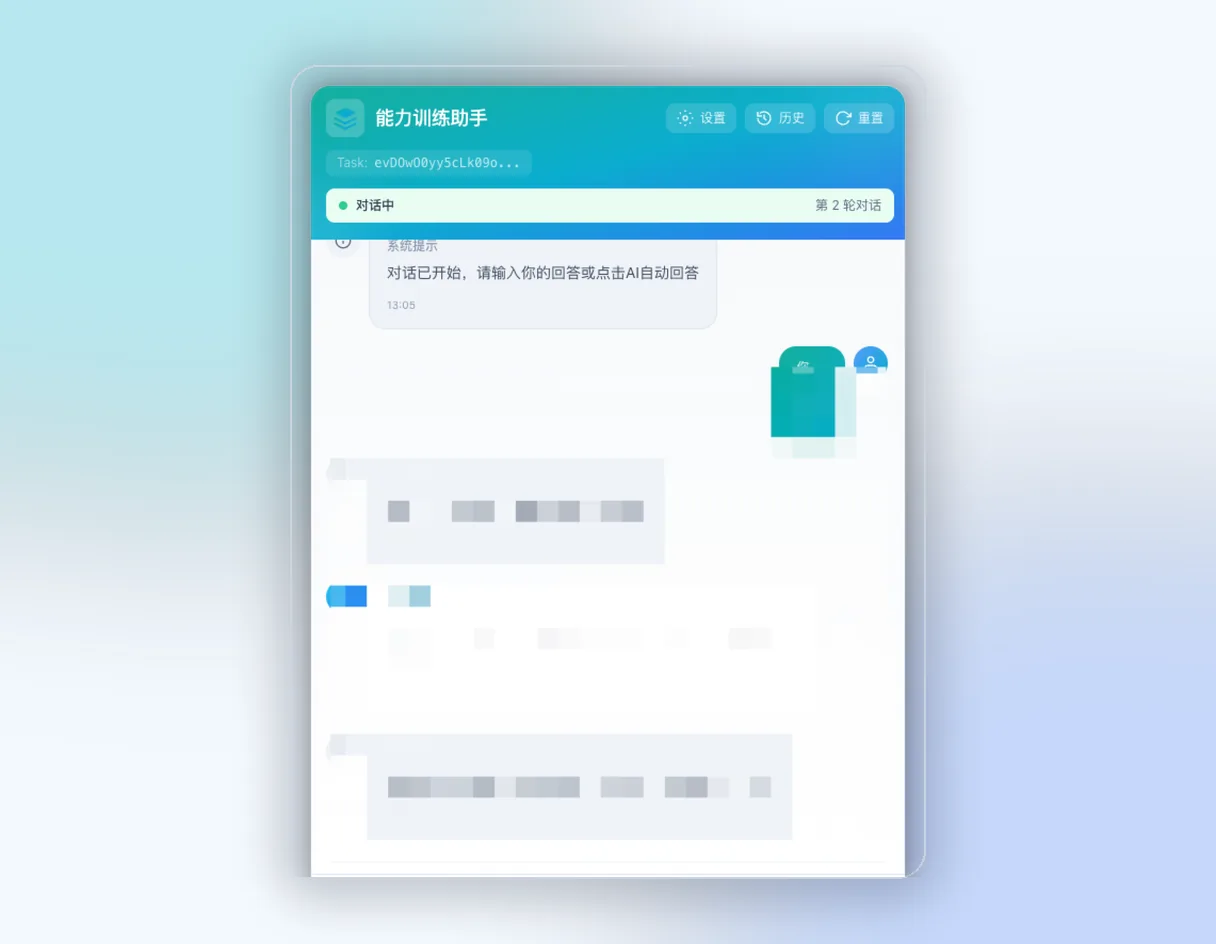
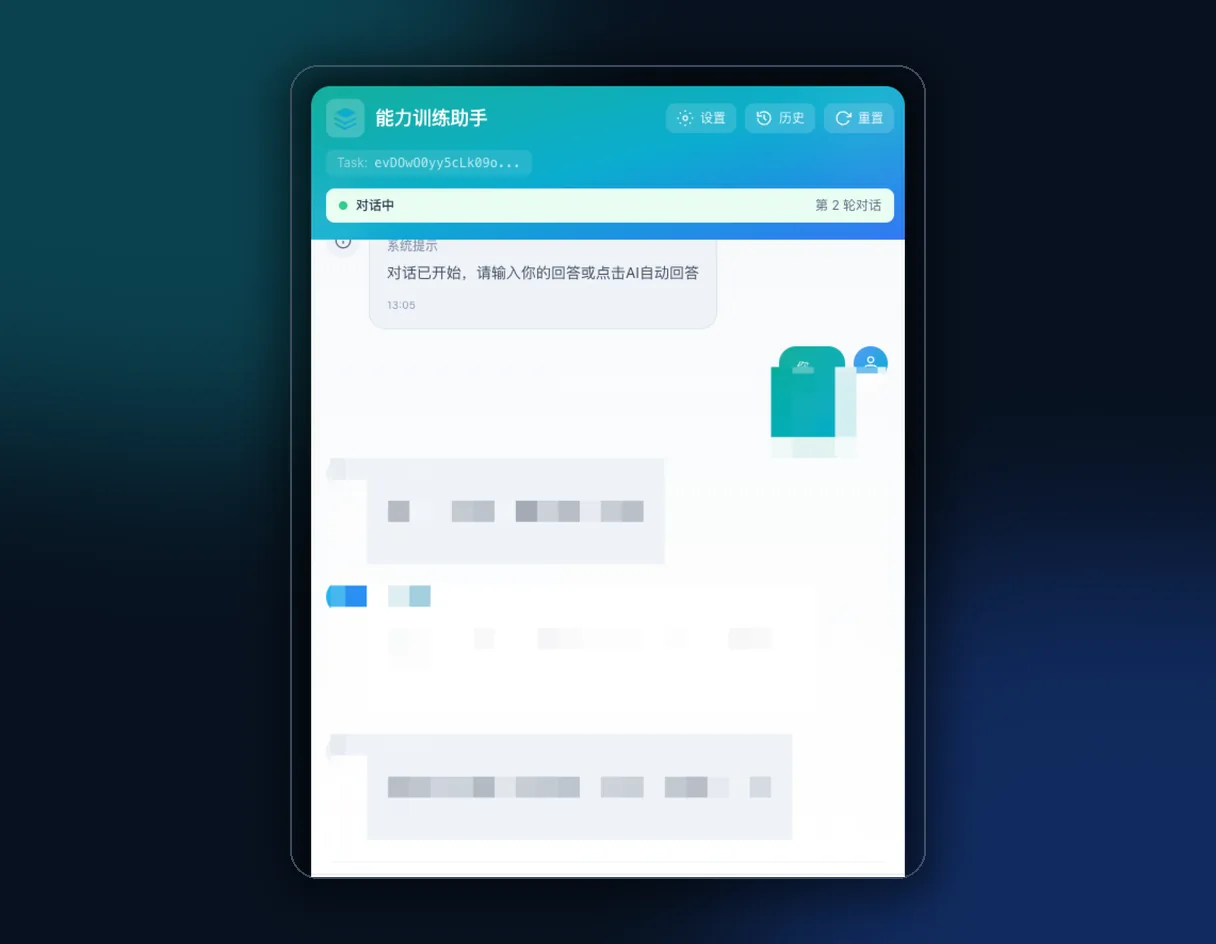
Core Features

From task detection to turn-by-turn dialogue, the entire training workflow happens in the sidebar.

Automatically reads the task ID from the Polymas training page and fetches training steps — no manual input needed.

自动识别训练任务界面

Getting Started

Five Steps to Start Training

From installation to your first conversation, get started in minutes.

Getting Started

From installation to your first conversation, get started in minutes.
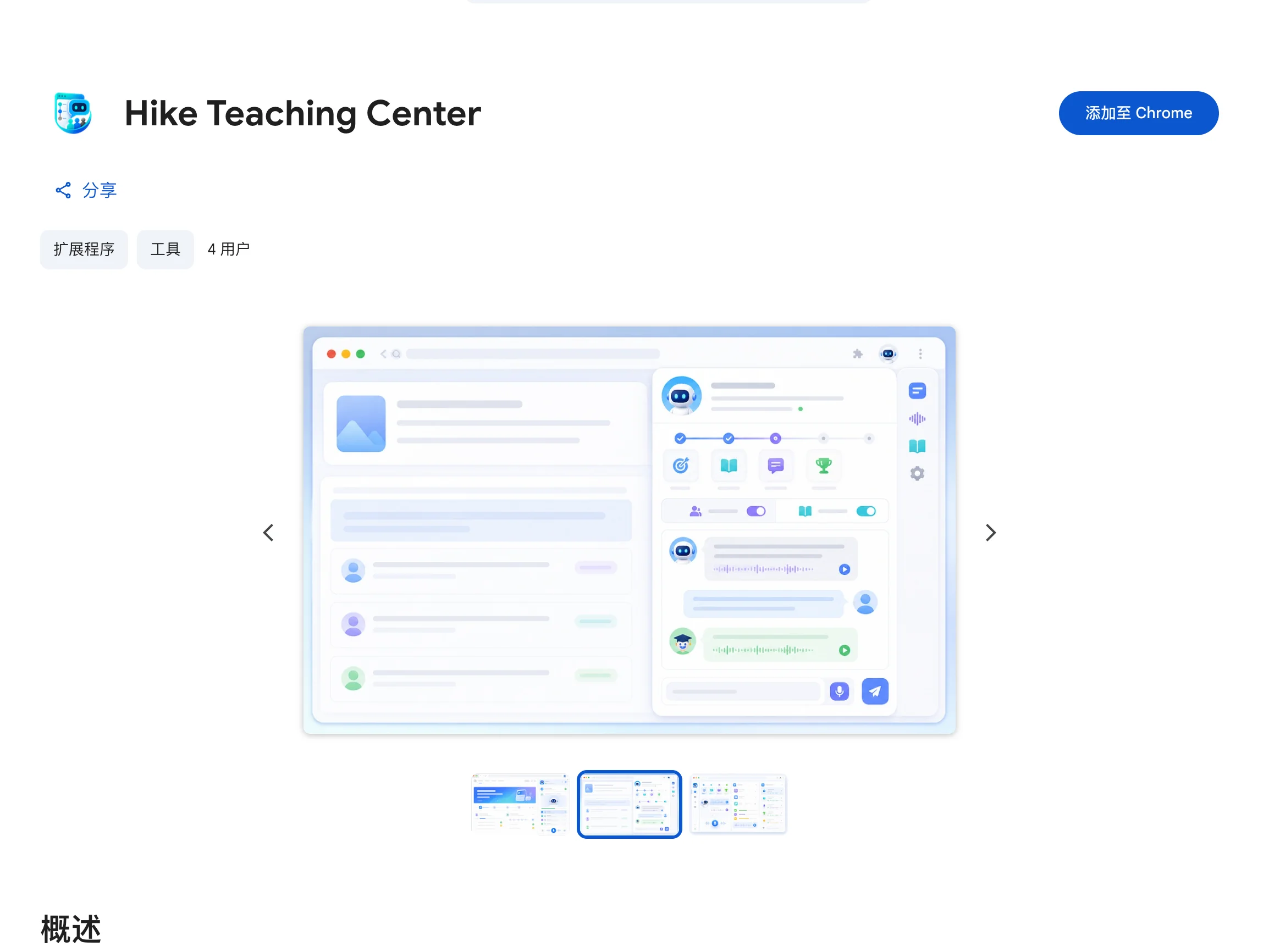
We recommend installing directly from the Chrome Web Store. You can also download the ZIP, enable Developer Mode on the browser extensions page, and load the unpacked extension manually.

The Hike Teaching Center listing on the Chrome Web Store, with the Add to Chrome button

Stats

Built for efficient training

Training assistant capabilities by the numbers.

6+

LLMs Connected

3

Student Profiles

3

Training Modes

Testimonials

What trainers and developers say

T

Teacher Chen

University Teaching Trainer

Auto task detection and turn-by-turn dialogue noticeably improved lesson prep and review efficiency.

L

Li

Indie Developer

Complete the entire training workflow in one sidebar panel — switching models is super convenient.

C

Coach Wang

Corporate Trainer

Multi-profile student simulation makes training scenarios more realistic with stable, reproducible results.

Z

Zhang

Teaching Assistant

The voice training flow closely mirrors a real classroom — up and running in just minutes.

T

Teacher Zhao

Head of Teaching & Research

Credentials and logs stay local — data security is something we really value.

D

Dr. Zhou

AI Education Researcher

Open-source and extensible — a great tool for skill training experiments.

Free · Open Source

The extension is completely free and open-source. If it helps you, consider sponsoring to support ongoing development.

Free

Free

A fully-featured open-source browser extension, free forever.

Get Started For Free

  • All training features
  • Multi-model integration
  • Multi-role student simulation
  • Text & voice dual mode
  • Local storage · Privacy first
  • Community support

    FAQ

    Questions you might have

    Start Training Your Teaching Agent Now

    Install the extension, configure an LLM, and complete your first training conversation in minutes.